Snoop App Review: Is It Safe To Connect Your Bank Account?

Snoop is a budgeting app that combines your spending across all your banks and cards into one easy-to-manage app.

You can see where all your money is going, and the app even suggests new products when it feels you’re overspending. Big bonus – it’s totally free!

I spent 6 months using the app to provide this unbiased Snoop app review.

I have to say I found the app a lot of fun. It’s got some great features that we’ll unpack shortly. 

If you’re looking for a budgeting app that’s both visual, easy to use and saves you money I think you’ll be hard pressed to find a better app than Snoop right now.

Table of Contents

Best For Budgeting
Snoop Money
4.4
Cost: Free

Snoop is a proper budgeting app allowing you to track your spending, bills and savings across multiple banks and credit cards as well as save money on bills.

It also offers a savings account but doesn't have ISAs or investment products like some other providers.

Pros:
  • Bill switching suggestions
  • Spending categories
  • Credit card trackers and suggestions
  • Rewards and offers
  • Weekly and monthly spending summaries
  • Snoop savings account
  • Daily alerts
Cons:
  • No investing products
We earn a commission if you make a purchase, at no additional cost to you.

The app is available on IOS and Android and combines your bank accounts to give you a 360 degree view of your finances. 

It then predicts how much you can spend and save using their smart AI algorithm.

snoop-cheering

Snoop Rating

  • Suitable For Beginners
  • User Experience
  • Price / Fees
  • Useful Features
  • Customer Service
  • Customer Feedback
4.4
Final Rating

I’ve rated Snoop a 4.4 out of 5 using our six pillar method which I use to assess financial apps.

Snoop scored best on it’s suitability for beginners and user experience. 

The app scored worst on customer feedback which we’ll unpack a bit more later in the article. 

snoop spending dashboard

Snoop App - Main Features

Open banking technology and intelligent AI are the drivers that can make your finances look simple. 

The app displays in super easy-to-access tabs at a tap of your fingers. 

It’s a slick experience and very straightforward to navigate around.

Main features:

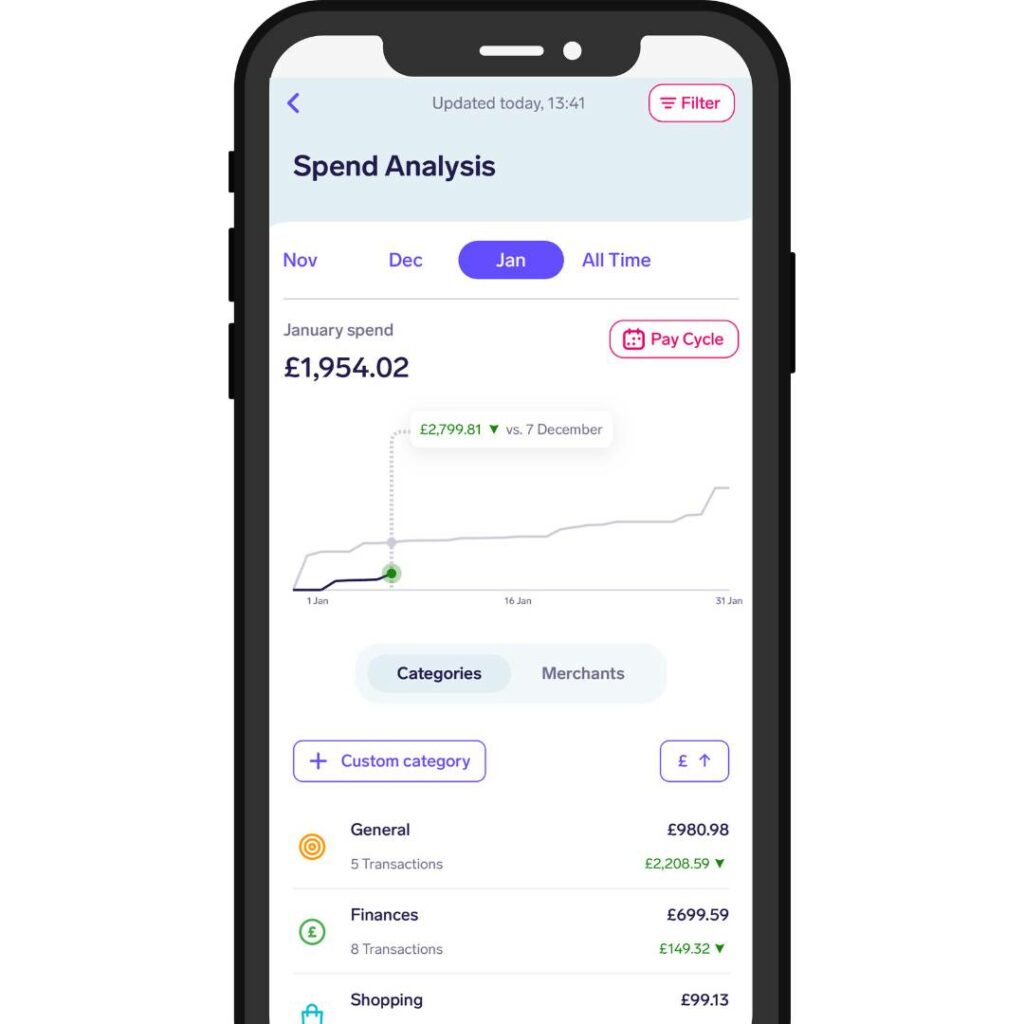
  • Spending Analysis – An intelligent overview tracking your spending. Split into a graph view comparing the current month vs the previous month alongside clickable categories that are effectively sorted for you.
  • Easy Access Savings Account – 4.35% AER (variable) savings account that can be used alongside budgeting tools to help you save
  • Snoop of the day – Daily personal finance tips and tricks to help save money, boost your credit score, pension tips and more.
  • Spending alerts – Set yourself alerts to limit spending and track refunds.
  • This week’s bills – This shows you records of all the bills you have paid this week so you can keep track of expenses as they come in.
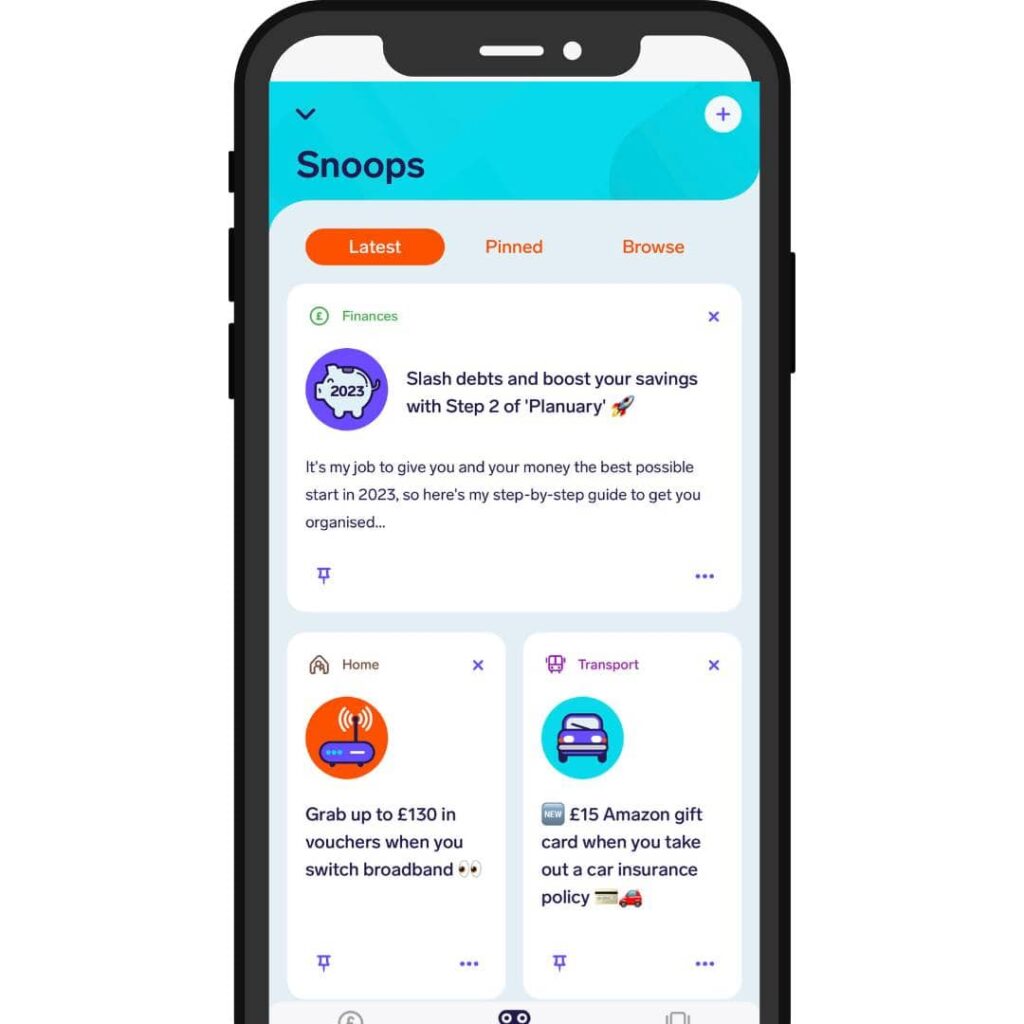
  • Switch and Save – This gives you a list of immediate rewards for saving on things like broadband, insurance and more.
  • Referral Scheme – Invite a friend; you get a £5 Amazon Voucher if they connect a bank account.
  • Snoop Space Forum – A safe space for you to ask questions about your money to the Snoop team and others in the community

Pros and Cons

Pros

Cons

Cut the cost of living with Snoop


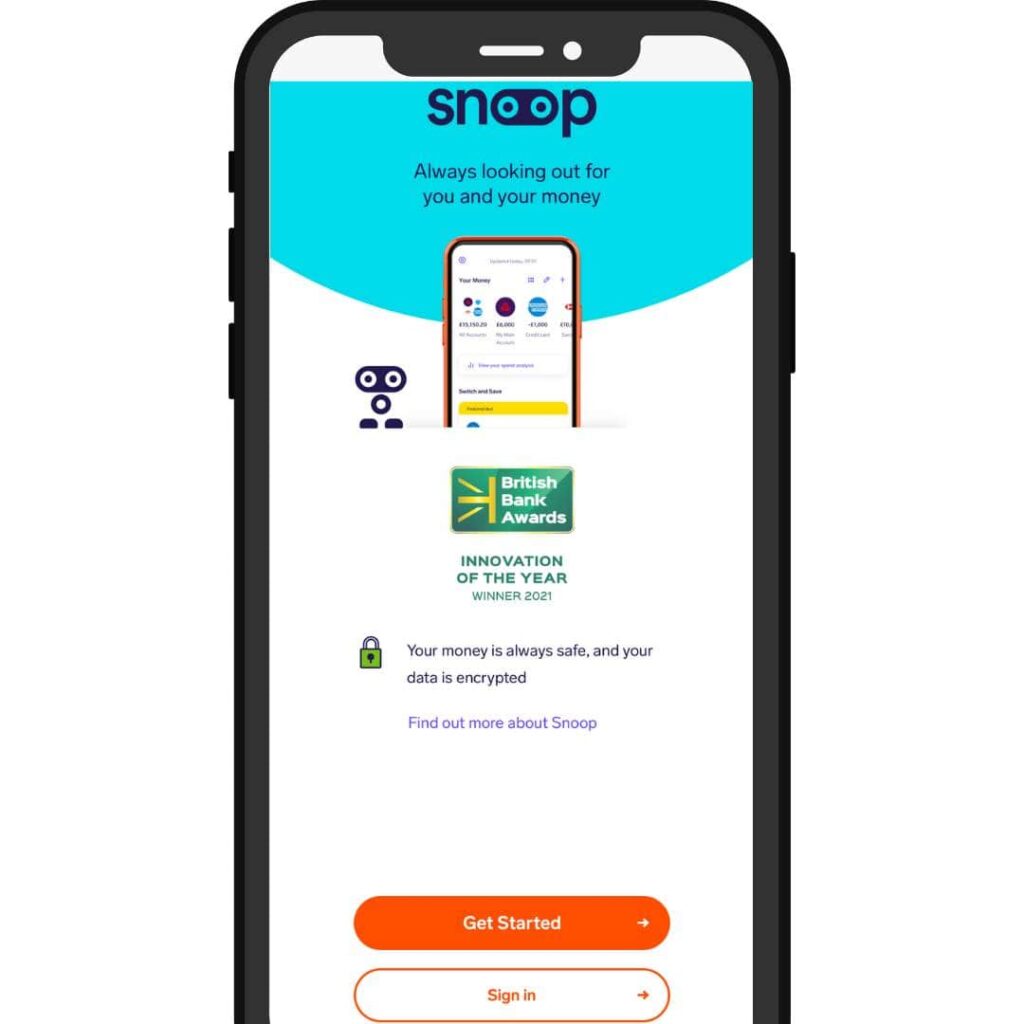
Snoop is a free money management and budgeting app, helping you track your spending, cut your bills and control your finances.
We earn a commission if you make a purchase, at no additional cost to you.

Is Snoop good for beginners?

Yes, Snoop is great for beginners and anyone that struggles with saving and budgeting or find visual aids useful. 

The fact that it connects with your banks within minutes and has a really easy-to-use interface makes it a very attractive option. 

However, if you’re looking for a wider suite of features such as saving and investing, then check out our full list of UK budgeting apps here.

Is the Snoop app any good?

Yes, the app is impressive. It’s super intelligent and user-friendly and has made a massive difference to my finances.

The household bills feature will help everyone who uses it, and if an app can save money, then we’re all for it.

Since I’ve been on it, I’ve renegotiated my SKY TV bill and internet bill, plus saved over £300 towards Christmas presents.

What I like most about it is that it’s free to use the base features.

There’s also a paid plan called Snoop Plus, which unlocks many cool features that we’ll touch on in a moment.

Snoop app - Who is behind it?

The company was founded in 2019 by former Virgin Money Execs, CEO Jane-Anne Gadhia and Managing Director John Natalizia.

They raised over £15 million over the next 2 years to fund development and expansion, launching fully to the public in April 2020.

The app uses Open Banking Technology and artificial intelligence (AI) to connect all your finances into one place. The robot inside the app can then detect overspending and help you budget or negotiate new deals accordingly., la

Cut the cost of living with Snoop


Snoop is a free money management and budgeting app, helping you track your spending, cut your bills and control your finances.
We earn a commission if you make a purchase, at no additional cost to you.

How to open a Snoop account?

snoop app review sign up

The app is available to download for free on IOS and Android. It took me 2 minutes to sign up and connect my Halifax and Monzo accounts, and I also added my MBNA credit card.

Once signed up, you get a net worth calculation and you can go back quite a way to look at your spending habits.

The only issue is that it counts me sending money between my personal accounts or to my joint account as payments, so you’d need to discount those or set them up in other categories.

This is where additional functionality from apps like Emma come in which have separate joint account modes. 

What banks does the Snoop app connect with?

Snoop connects with over 60 major high street and digital banks.

There are all the familiar faces on there, such as Barclays, Natwest, Lloyds, HSBC, Santander and credit card providers like American Express, M&S and practically all New Day accounts.

Connecting all your banks and cards is helpful to make full use of the Snoop app.

This way, Snoop can start to look at your spending and allow you to get a complete financial picture.

Snoop Free vs Snoop Plus

SnoopSnoop Plus
Monthly costFree£4.99/month or £39.99/year
See all your bank accounts in one app
Automatic spending categorisation
Monthly and all time spend analysis
Daily account balance updates
Weekly spending report
Regular payment and subscription tracking
View spending by merchant or category
Weekly spending report
Contract renewal reminders
Weekly reminder of upcoming bills
Exclusive product switching deals
Money guidance and insights
Daily personalised money-saving suggestions
Unlimited custom spending categories
Track your total net worth
Track payday-to-payday spending
Manually add accounts
Create unlimited spending alerts
Create unlimited custom spending alerts
Create unlimited refund alerts
Track bills by pay cycle
Cut the cost of living with Snoop


Snoop is a free money management and budgeting app, helping you track your spending, cut your bills and control your finances.

We earn a commission if you make a purchase, at no additional cost to you.

What is Snoop Plus?

Snoop Plus is the upgraded version of the app.

The Plus version allows you to set up unlimited custom categories and alerts, which are helpful if you’re trying to keep a closer eye on your spending habits.

It also allows you to track your spending and bills by pay cycle, as the free version goes calendar month to month.

This is helpful if you’re paid on different days each month or bi-weekly / weekly.

I think the free option has more than enough features for someone to get started, and I’m not sure the £4.99 a month payment is worth the unlimited categories and alerts for me personally.

Household Bills Feature

Now, this was something super unique that is excellent.

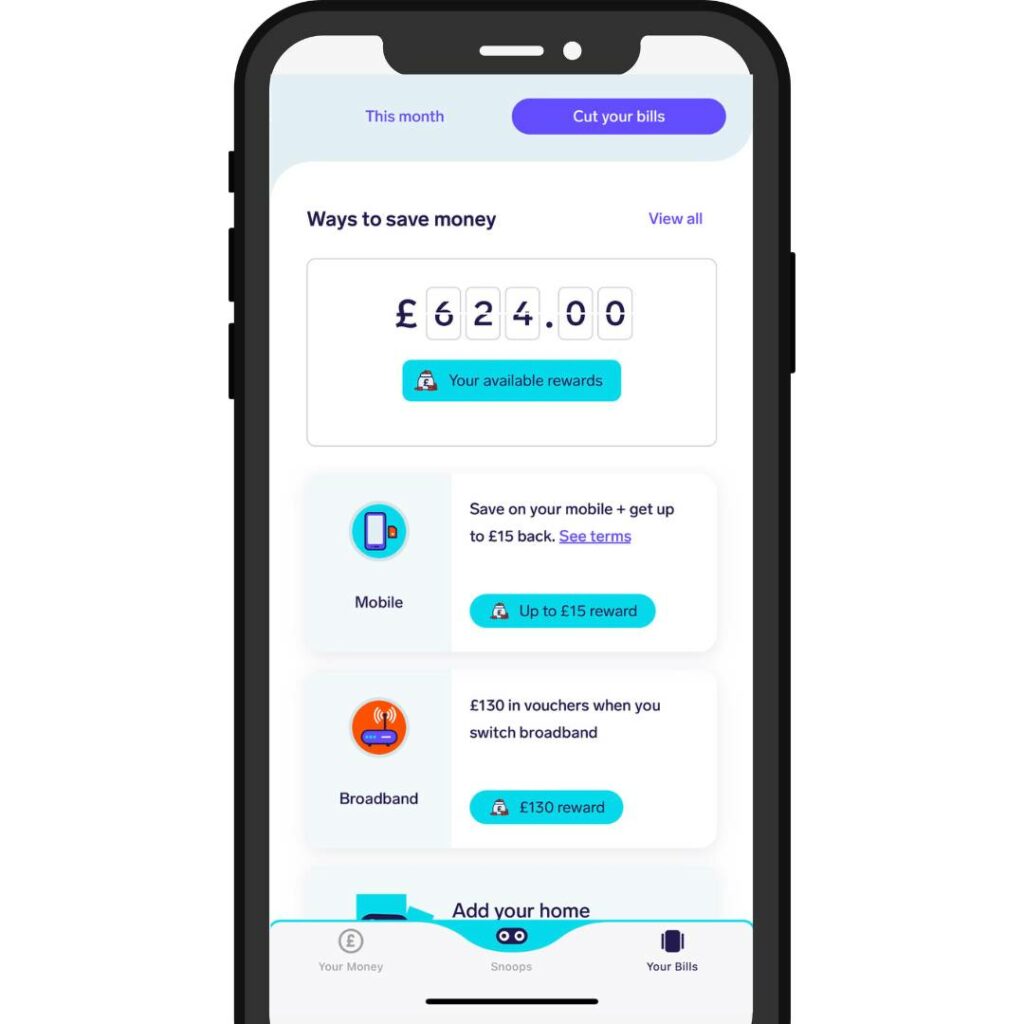
After analysing my accounts for around 10 minutes, Snoop suggested up to £624 worth of savings that could be made by switching to various accounts. 

The most enticing for me was the current account switch with First Direct, where I got £175 for switching and a £30 Amazon voucher. Not bad!

Below is a list of the other offers I was presented with:

  • Energy Bills
  • Mobile phone
  • Broadband 
  • Car insurance 
  • Life insurance 
  • Pet insurance
  • Current account
  • Mortgage deals
  • Credit cards
  • Travel insurance
  • Bike insurance
  • Investment accounts

When looking at all of these, 10% were valuable to me at the time.

But that’s 10% more than I would have had without using the app, so overall a brilliant feature.

I have my pet insurance and mortgage for renewal later this year, so I will dig into the offers again to see if I can save anything.

snoop app household bills

Customer Reviews

Doing some ‘snooping’ around online and you can quickly see that reviews of Snoop are fairly mixed…

Trustpilot is displaying a 3.1 average out of 5 from 105 reviews which isn’t great.

This is one of the 5* reviews I found:

“I’m an accountant, but even so, my home finances send me to sleep. However, this app has helped me revolutionise my finances.”

And this was one of the recent 1* reviews:

“Slow withdrawals… service ask from an online bank is fairly straightforward… speed and accuracy. Snoop somewhat uncompetitive in terms of speed with which they credit withdrawals to the destination… in the world of faster payments, no real excuse.”

Most of the negative reviews were around the slow savings account deposit and withdrawal times so not critical to the budgeting features but still a concern people have. 

snoop app rewards

Snoop App Alternatives

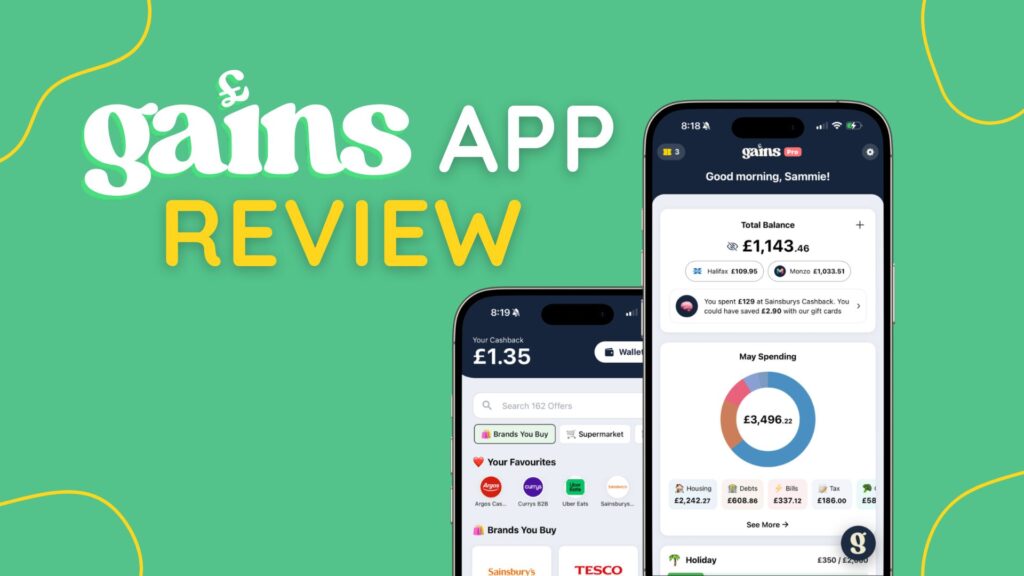
Snoop vs Gains

Gains App is the new kid on the block featuring AI-powered budgeting tools and cashback rewards although does miss out on the in-built savings account.
 
If you’re looking to actually make more money then Gains is a great option as the cashback rewards really add up from your everyday spending.
 
Read our full Gains App Review
 

Snoop vs Plum

Plum has recently integrated their maximiser feature which I believe makes it a better option than Snoop. 
 
This is because of the wider suite of features such as  investing accounts. 
 

Snoop has better budgeting tools and the household bill feature, but Plum wins on options for saving and investing your money.

Snoop vs Chip

Chip is more of a savings app than a budgeting app so if you’re looking for a budgeting solution then I would opt for Snoop over Chip. 

That being said they would be a great pair to work in tandem together as Chip’s high-interest savings accounts and investing features would be perfect.
 

Snoop vs Money Dashboard

Money Dashboard no longer exists after being shut down in October 2023. 

Snoop vs Emma

Emma offers a wider suite of budgeting tools than Snoop currently does but doesn’t offer the same vouchers, deals and bill features that make Snoop so attractive. 
 
I personally think Emma is a fantastic option.

Frequently Asked Questions

Is the Snoop app safe??

Yes, Snoop is authorised and regulated by the Financial Conduct Authority (FCA). They use two-factor authentication alongside face ID for logging in and industry-standard Open Banking to connect your accounts. 

Snoop has been commended for its attitude to keeping your data safe and having the same level of security as a high street banking app.

Who is Snoop app suitable for??

Snoop app is perfect for beginners looking to get a handle on their spending and more experienced budgeters who have used spreadsheets or printables in the past and are looking to utilise their innovative technology.

There really is a wide market for Snoop as their household bills feature, which can save you money on your more considerable expenses, is a big draw for anyone.

Cut the cost of living with Snoop


Snoop is a free money management and budgeting app, helping you track your spending, cut your bills and control your finances.
We earn a commission if you make a purchase, at no additional cost to you.

Final Thoughts

As you can tell from this Snoop app review, we’re big fans!

They have made an app that not only allows you to track your spending all in one place, but they have gone a step further to help save you money on your everyday bills.

In my few months of using the app, it saved me money and even made me money when I switched my current account. All in all, totalling about £500 back in my pocket.

I find it very difficult to say that about any other budgeting apps I’ve encountered. It’s a straight 5 stars from me!

If I could add anything, it would be directly using the app to invest with Snoop, which competitors like Chip and Plum allow you to do.

If you’d like to check out all of our favourite budgeting apps, you can do so here.

Share on social media

Facebook
Twitter
LinkedIn
Email
WhatsApp
X

Disclaimer: Content on this page is for informational purposes and does not constitute financial advice. Always do your own research before making a financially related decision.

Scroll to Top